Share a call with ZohoCRM
To share a call with Zoho:
Once your account is successfully connected with ZohoCRM, you will see the Zoho logo appear underneath the 'Quick Share' options. See connect with ZohoCRM for set up details.
- Click the call you would like to share
- Click on the Zoho icon
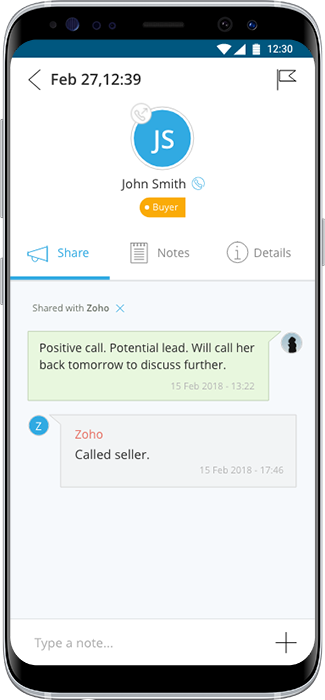
- The call and call details will be shared with Zoho.
If there is an existing lead, this call will be added as a new activity. If there is not already an existing lead, iovox will create a new one with the details available.